Tutorial: How to Migrate Your Spotify Playlists to Apple Music, Tidal, or YouTube Music
Ditching Spotify? Learn how to transfer your music library and playlists to Apple Music, Tidal, or YouTube Music using the best migration tools in 2025.
Ready to ditch Spotify but dread rebuilding your carefully curated playlists? You aren't alone. Whether it's the lure of Apple Music's lossless audio, Tidal's higher artist payouts, or the sheer value of a YouTube Premium bundle, the "platform jump" is a rite of passage for music nerds.
But here is the hard truth: manually recreating a 500-song "Late Night Lo-fi" playlist is a soul-crushing waste of time. I've been there. As an indie developer, I look at this as a data migration problem. Your playlists are just a collection of metadata - ISRC codes, track titles, and artist names - that need to be mapped from one database to another.
In this guide, I'll show you the exact tools and steps to transfer your music library in minutes, not hours.
This visual shows the "metadata bridge" idea: your playlists move by mapping track metadata between catalogs.
The "Native" Way: Apple Music's New Secret Weapon
If you are moving specifically to Apple Music, you might not even need a third-party website anymore. Recent updates have integrated migration directly into the app.
According to Apple Support, you can now initiate transfers directly from the Android app or the web interface.
How to do it:
- Open Apple Music on Android or go to the web app.
- Tap the three dots (Android) or click your avatar (Web).
- Select "Transfer Music from Other Services".
- Log into Spotify and pick your playlists.
This native feature is a managed transfer flow inside Apple Music. It's a clean, official bridge that handles the heavy lifting without forcing you to create a dozen new accounts.
Top 3 Migration Tools Compared
If you're moving to Tidal or YouTube Music, or if the native Apple method feels too limited, you'll need a dedicated tool. I've tested the big players, and here is how they stack up.
Tool limits change often, so treat this as a quick comparison and verify the latest quotas on each vendor site.
1. Soundiiz (The Swiss Army Knife)
Soundiiz is the most robust tool I've used. It treats your music library like a file system.
- The Good: You can sync playlists between services automatically every day.
- The Bad: The interface is a bit "busy" for casual users.
- The Catch: The free version limits you to one playlist at a time, up to 200 tracks.
2. TuneMyMusic (The Speed Demon)
If you just want to get it done in two clicks, this is the one.
- The Good: Very high accuracy on song matching.
- The Bad: The 500-track total limit on the free plan hits fast if you have a massive library.
3. FreeYourMusic (The Native App)
Unlike the others which are mostly web-based, FreeYourMusic offers a dedicated app for MacOS, Windows, and iOS. As they claim on their site, it's designed for "ultra simple transfer" with no technical skills required.
Step-by-Step: Moving to YouTube Music or Tidal
Since these don't have the "Native Apple" luxury, let's use TuneMyMusic as our example. It's the path of least resistance.
This flowchart mirrors the UI path: pick a source, choose playlists, select a destination, then sync.
- Connect Spotify: You'll need to authorize the tool to read your library.
- Select Your Content: You can choose specific playlists, your entire "Liked Songs" library, or even just follows artists.
- Choose Destination: Log into Tidal, YouTube Music, or Deezer.
- Review Matches: This is the most important step. Sometimes a "Remix" on Spotify is just the "Original" on Tidal. Most tools will flag "Missing Tracks" for you to manually find later.
Why 100% Accuracy is Impossible
Here is a technical insight: Music services don't share a single universal ID for every song. While many use ISRC (International Standard Recording Code), some regional releases or indie tracks have different metadata.
This visualization is illustrative only; actual match rates vary by catalog size, region, and metadata quality. Most tools will provide a CSV of the tracks they couldn't find, which is a lifesaver.
The "Indie Hacker" Perspective: Why these tools exist
As a developer, I find these migration services fascinating. They are essentially "API-as-a-Service" businesses. They solve a high-friction, one-time problem that users are willing to pay $10 to solve instantly.
I used to spend weeks building side projects nobody wanted because I didn't validate the "pain point" first. Now I start by checking real user complaints; I keep a short checklist at SaaS Gaps.
Sources
Final Verdict: Which one should you use?
- Moving to Apple Music? Use the native "Transfer" feature in the Apple Music Android or Web app. It's free and built in.
- Moving a massive library (thousands of songs)? Consider one month of Soundiiz Premium. It's cheaper than your time.
- Just a few small playlists? TuneMyMusic is the fastest web experience.
This diagram shows the basic migration engine flow: source API, matching logic, and target API.
Switching music services shouldn't mean losing your history. Pick a tool, run the sync, and go back to enjoying your music. Just remember to cancel that Spotify Premium subscription after you verify the transfer!
作者

分类
更多文章
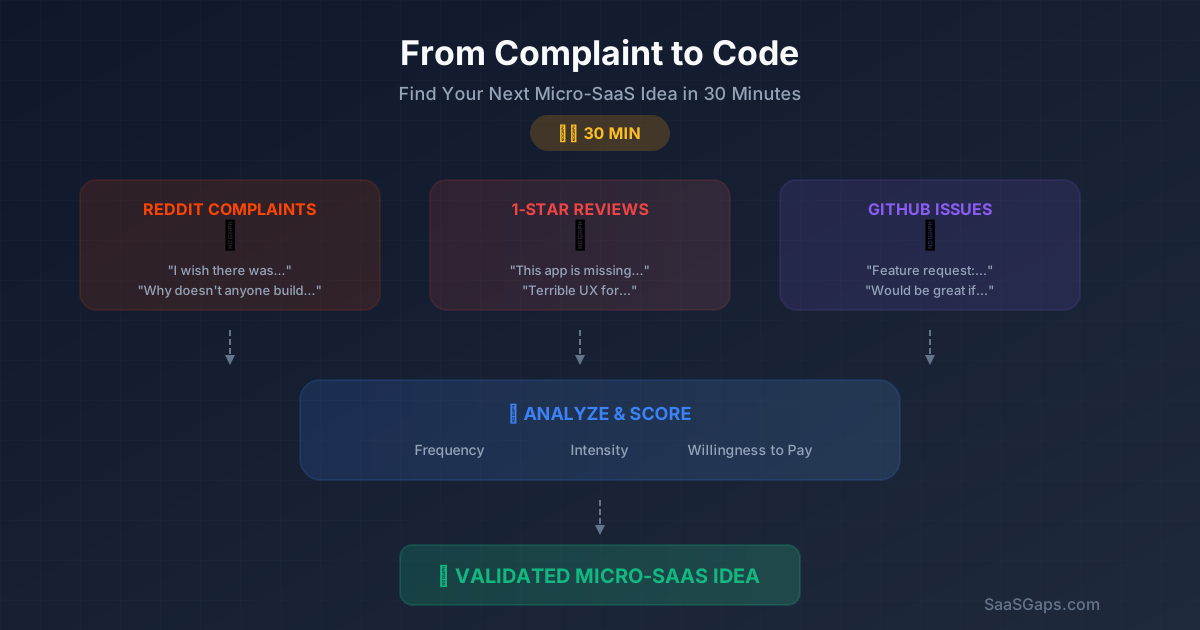
From Complaint to Code: How to Find Your Next Micro-SaaS Idea in 30 Minutes
Stop brainstorming in a vacuum. Learn the practical 30-minute framework for mining Reddit complaints, 1-star app reviews, and GitHub issues to discover validated micro-SaaS ideas.
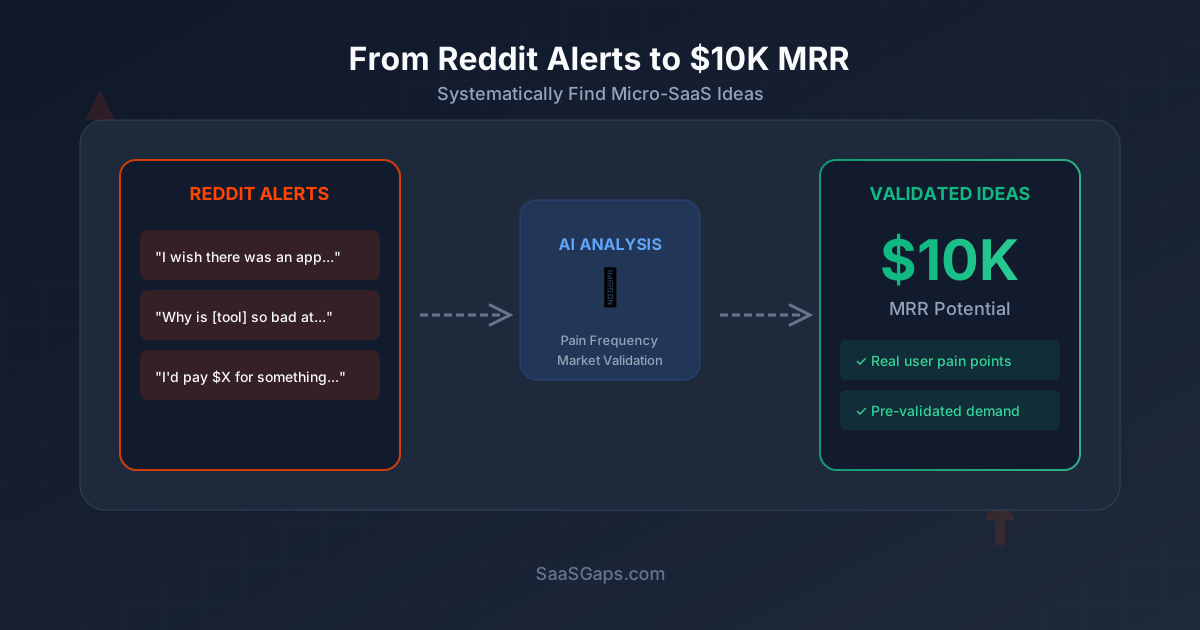
Reddit Alerts: Set Up Keyword Alerts to Find Micro-SaaS Ideas
Set up Reddit keyword alerts (F5Bot/RSS), track "I wish there was an app that..." posts, and turn recurring pain points into validated micro-SaaS ideas.
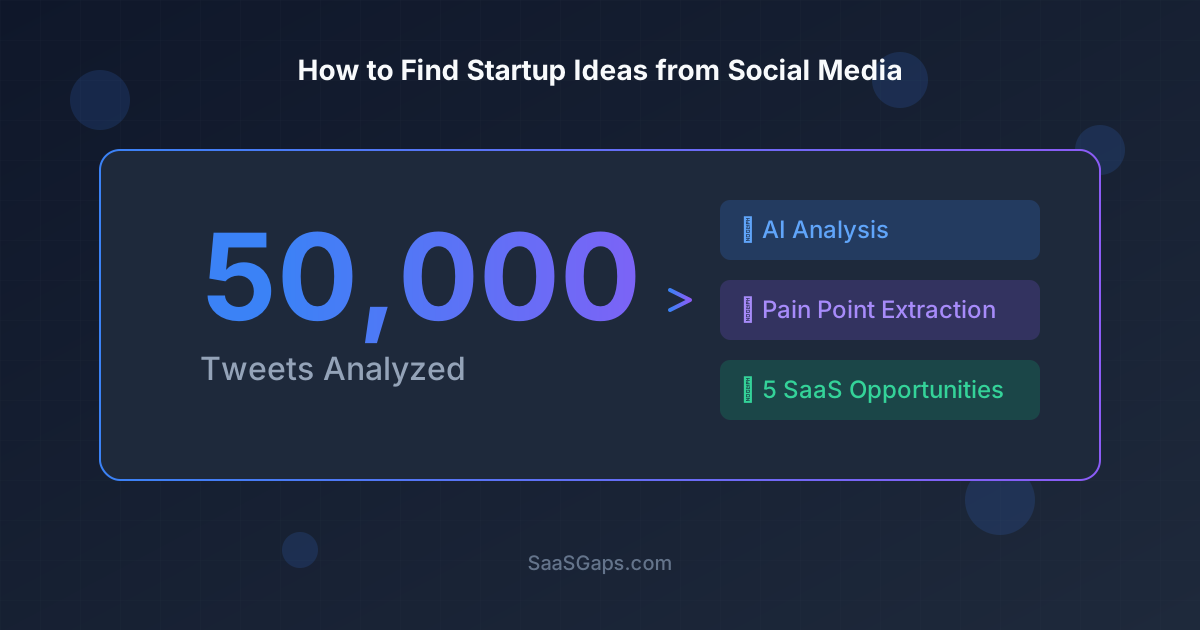
How I Monitored 50,000 Tweets and Discovered 5 SaaS Opportunities
A deep dive into using AI to analyze social media complaints and uncover validated micro-SaaS ideas that real users are willing to pay for.
邮件列表
加入我们的社区
订阅邮件列表,及时获取最新消息和更新